Instagram isn’t just a place to post pretty pictures anymore. It is also a powerful way to communicate, collaborate, and grow your presence online. Whether you’re just chatting with friends, managing a small business, or building a brand, Instagram has added new tools to its Direct Messaging (DM) system to make life easier.
According to an Instagram for Business Post, these updates are all about helping people stay connected in smarter, more fun, and more organized ways. All this without needing extra apps or complicated steps.
So what’s new? And how can you actually use it in real life?
Let’s break it down with real examples anyone can relate to.
Instagram’s New DM Tools include Translation and Scheduling Features for Business Users
To clarify, these features are not new. Instagram has been working on both for a considerable period, and numerous users have had the opportunity to utilize them for several months. However, Instagram is now actively marketing them as options for business engagement, which may offer additional factors to consider for your professional outreach.
Firstly, regarding DM translations, which Instagram started testing earlier this year. Currently, a greater number of businesses can utilize this feature, potentially allowing you to broaden your business into new areas.
1. Translate Messages Instantly
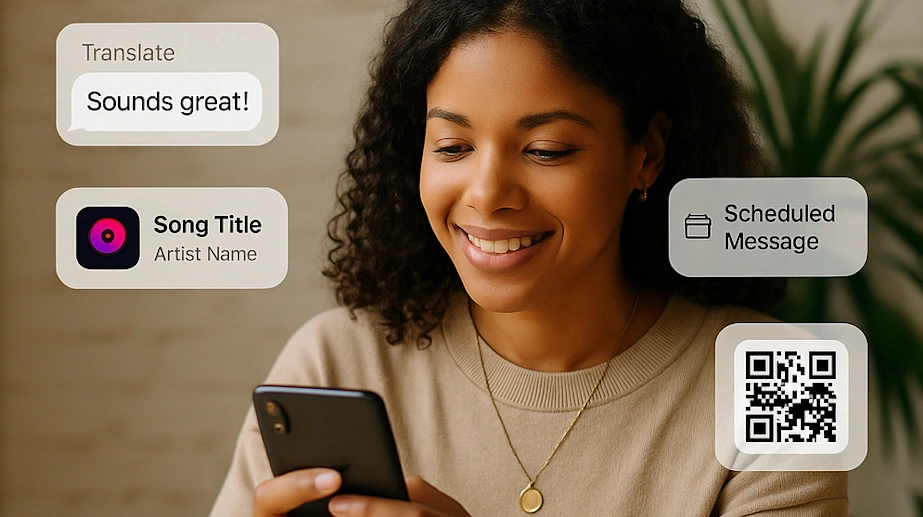
What it does: Tap and hold a message in a different language, then hit “Translate” to see what it says right in the chat.
How Instant Message Translation Helps:
- You can talk with people from around the world without feeling awkward or confused.
- Saves time if you run a page with an international audience.
Examples:
- A small shop owner gets a message in Spanish about custom orders but does not know Spanish. Now, they can respond quickly and accurately.
- A fan account gets messages from Korea or Japan and can finally understand them and reply.
2. Schedule Messages Ahead of Time
What it does: Write a message, press and hold Send, and pick a future time (up to 29 days ahead) for it to be delivered.
How Scheduling Messages Ahead of time helps:
- Saves time and keeps communication consistent.
- Perfect for different time zones or planned outreach.
Examples:
- A content creator schedules DMs to collaborators for photo shoots or campaign launches.
- A nail artist sends reminders for upcoming appointments without needing to remember.
3. Pin Key Messages
What it does: Long-press any message (text, image, video, or Reel) and pin it to the top of the chat. You can pin up to 3 items per conversation.
How Pinning a Post helps:
- No more scrolling endlessly to find that one important message.
- Makes group chats more organized.
Examples:
- A clothing seller pins a customer’s color and size preferences.
- A friend group planning a bachelorette party pins the venue, date, and dress code.
4. Send Music Clips with Stickers
What it does: Use the new Music Sticker to share a 30-second clip of your favorite song in a chat.
How Sending Music Clips with Stickers on Instagram can help:
- Makes conversations more expressive and fun.
- Great for creators and musicians to promote songs.
Examples:
- A band releases a new single and DMs it to their top fans.
- You send your partner a sweet love song or your friend a song that matches your mood.
5. Invite People to Group Chats with QR Codes
What it does: In group chats, you can now create a QR code that people can scan to join. Admins can refresh or deactivate it at any time.
How It helps Businesses:
- Easy to grow communities or manage group communication without copying links.
Examples:
- A yoga instructor starts a group chat for her clients and shares the QR on Instagram Stories.
- A local artist collective invites members using a printed QR code at an event.
How These New Instagram DM Tools Can Inspire Instagram Post Ideas
If you are a small business owner and are stuck wondering “What should I post on Instagram today?“, these messaging tools can give you unexpected inspiration.
Here’s how:
Use Translated DMs to Fuel Global Content Ideas about your business
If you’re getting comments or DMs from other countries, use those conversations as content starters:
- “Here’s how to say ‘thank you’ in 5 languages!”
- “Look at these sweet messages from my fans in Brazil and Korea!”
Use Scheduled Messages to Plan Out Campaigns
Craft a week of behind-the-scenes posts and schedule reminders to your team:
- “Don’t forget to post our ‘Tip Tuesday’ reel tomorrow!”
- Send pre-written shoutouts to collaborators or influencers you tag in upcoming content.
Turn Pinned Messages into Testimonials for Your Business
Pinned DMs from happy customers or supporters can be turned into quotes or post graphics:
- “Loved this message so much we had to share 🥹”
- “Another happy client!” (with permission, of course)
Use QR Group Chats to Start Mini Communities for Your Customers
If you run a brand or cause:
- Share a group QR code in a Story and say, “Join my close friends chat to get first dibs on promos!”
- Start a content-sharing group with your most engaged followers and ask for ideas, feedback, or selfies using your product.
Final Thoughts: A DM Makeover That Works for Everyone
Instagram’s messaging upgrade isn’t just about bells and whistles. Thanks to this new technology, it is it’s about real-life help. From managing customer chats and coordinating with friends to finding post inspiration and building community, these features give you more control and creativity in how you connect.
You don’t need to be a tech expert or social media pro. Just start with what feels useful, and let the tools do the heavy lifting.